

How it works
How downloads work in Unshorted
Unshorted can save a video on your phone, or just its sound, to watch without a connection. This page says how: with yt-dlp, the open-source downloader, running in the app's own copy of Python, on your phone. The video says the same in about a minute and a quarter.
The short version
- Tap Download under a video and choose: Best (up to 1080p), 720p, 480p, or Sound only.
- yt-dlp does the work, on your phone, in the app's own Python, without your account.
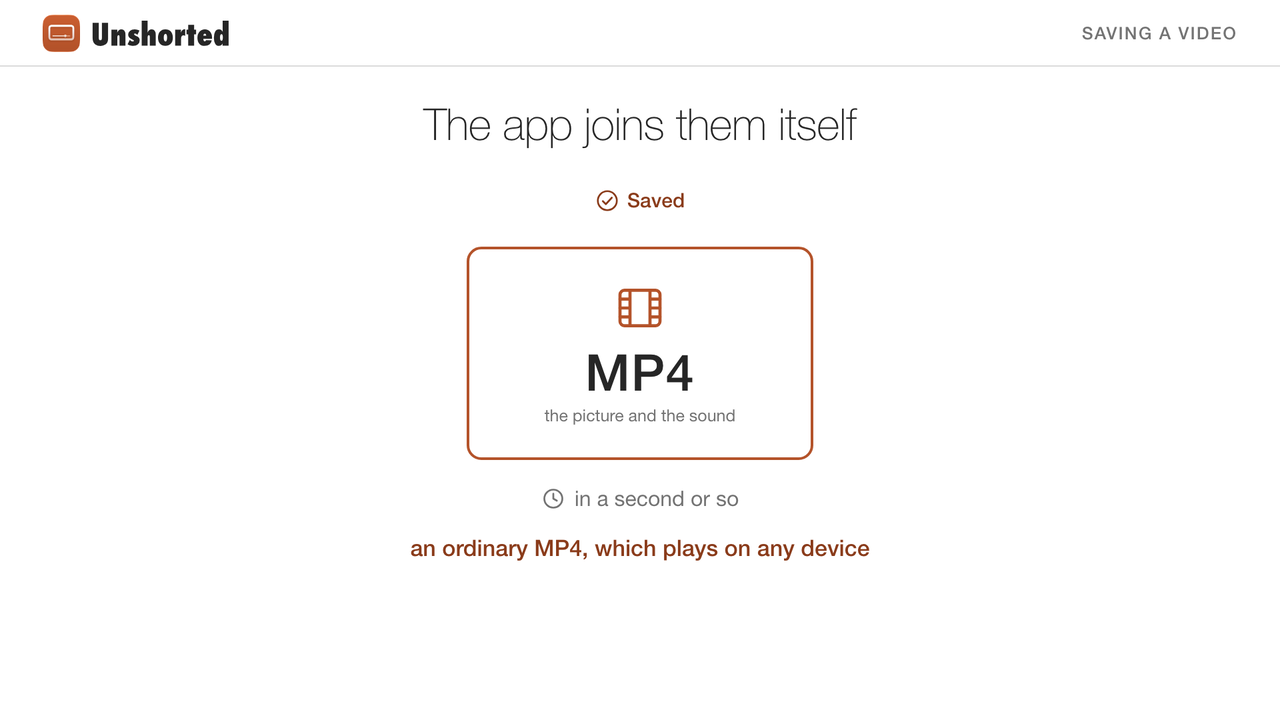
- The app joins the picture and the sound itself into one ordinary MP4, in a second or so.
- Saved videos play in Apple's own player, with AirPlay, sound in the background, and Picture in Picture that starts by itself.
- They stay on your phone, out of iCloud backups, until you delete them, even if you sign out.
Saving a video
Under a video, Download asks which: Best (up to 1080p), 720p, 480p or Sound only. The button then shows how far it's got (tap it to stop), and "Saved" once it's there; tap it again to play the saved copy or delete it.
One video downloads at a time, in the order you asked, while the app is open (and for the half minute iOS gives an app that has just left the front). A download the app was closed in the middle of shows as stopped, ready to go on from where it stopped. One that failed says why; tap it to try again.
How it's done
yt-dlp, in the app's own Python
yt-dlp is the open-source downloader many apps and people use for YouTube. It's written in Python, and Python runs on an iPhone: the app carries its own copy, built for iOS by the BeeWare project, with yt-dlp, its solver scripts and certifi's list of web certificates. That's about 70 MB of the app.
The picture and the sound, as two files
yt-dlp asks YouTube's servers for the video's picture (H.264, which plays on any device, up to 1080p, the most YouTube has in H.264) and its sound (AAC), as two files, without your account.
A hidden page that runs YouTube's code
Some of the addresses YouTube gives only work once YouTube's own player code has worked them out. On a computer, yt-dlp runs that code in a JavaScript program such as Deno or Node. An iPhone app can't start another program, so Unshorted runs it in a web page of its own, out of sight, where WebKit runs it at full speed: about half a second.
Joined on the phone
yt-dlp would normally hand the two files to ffmpeg to join them, and there's no ffmpeg on an iPhone. So the app joins them itself, with Apple's AVFoundation, copying both as they are into one MP4, in a second or so, even at 1080p. The file is an ordinary MP4; Sound only is an M4A.
Watching them
You › Downloads lists the saved videos, newest first, with their size, and the ones on their way. Tap one to play it in Apple's own player: native controls, AirPlay, sound in the background, and Picture in Picture, which a saved video starts by itself when you leave the app. Hold a row to share or save the file (to Photos, Files…); swipe it to delete it.
Saved videos are kept in the app's own storage on your phone, left out of iCloud backups. They stay until you delete them. Signing out doesn't delete them, since they aren't tied to your account.
Known limits
- Downloads depend on yt-dlp keeping up with YouTube, which changes often. When they stop working, the app's copy of yt-dlp needs updating, and the next build of the app carries it (how).
- Videos made for kids may not download.
- Nothing higher than 1080p: YouTube has nothing higher in H.264.
- Downloads are new: they've been checked in the iOS simulator (1080p, 480p and Sound only), and are still being checked on iPhones.
One caution
Unshorted isn't made or endorsed by YouTube or Google, and YouTube's terms don't allow downloading videos except where YouTube itself offers it. Use downloads at your own risk, and keep only what you have the right to keep, such as your own videos or ones under a Creative Commons license.
Questions
Does downloading need my YouTube account?
No. yt-dlp asks YouTube's servers for the files without your account, and nothing about a download is sent anywhere else.
What quality do downloads have?
Up to 1080p, in H.264 with AAC sound, an MP4 that plays on any device. Or the sound alone, as an M4A.
Can I watch downloads without a connection?
Yes. They're files on your phone, and they play in Apple's own player, with Picture in Picture and sound in the background.
Why do downloads sometimes stop working?
YouTube changes how it serves videos from time to time, and yt-dlp follows. Until the app carries a newer yt-dlp, downloads can fail; the app says why.
The video was made with free software, from files in the repository: its voice is Kokoro, an open text-to-speech model, and its pictures and sounds are drawn by a script. Next: how Unshorted keeps your account private.